
A Fan-Made Scratch Style Dash Game
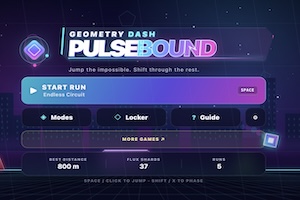
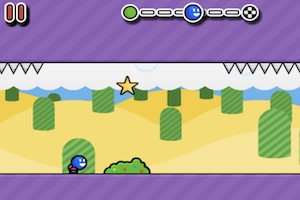
Geometry Dash Scratch Version brings the Geometry Dash idea into a Scratch-style browser game. The player controls a cube that moves through a side-scrolling level filled with spikes, platforms, gaps, and other dangers. The main goal is to jump at the right time and reach the end without crashing.
The game keeps the familiar rhythm-platform feeling. The cube moves on its own, and the player uses simple controls to jump. This makes the game easy to start, even for players who have not played the full Geometry Dash game before.
Simple Controls with Tricky Levels
Geometry Dash Scratch Version usually uses keyboard keys or mouse clicks for jumping. The controls feel basic, but the level can still become hard. Spikes may appear close together. Platforms may need exact timing. Some sections may ask the player to react quickly after landing.
The Scratch style gives the game a homemade feeling. It may not look exactly like the official game, but it keeps the same core idea. Move forward, follow the rhythm, and avoid danger.
Why Players Like It
Geometry Dash Scratch Version works well because it gives players a quick way to enjoy Geometry Dash-style action. The game starts fast, restarts quickly, and keeps the challenge clear. A player can improve by learning the level piece by piece.
A good tip is to practice one section at a time in memory. When the player knows where the next spike appears, the run becomes smoother. Geometry Dash Scratch Version suits players who enjoy fan-made games, simple jumping controls, and rhythm-style platform challenges.